


 DUMP 1 day before
Reminders
Reminded before it's due
Bills, appointments and dated tasks remind you ahead. Choose how early if you like.

Tasks, bills and spending, in one app
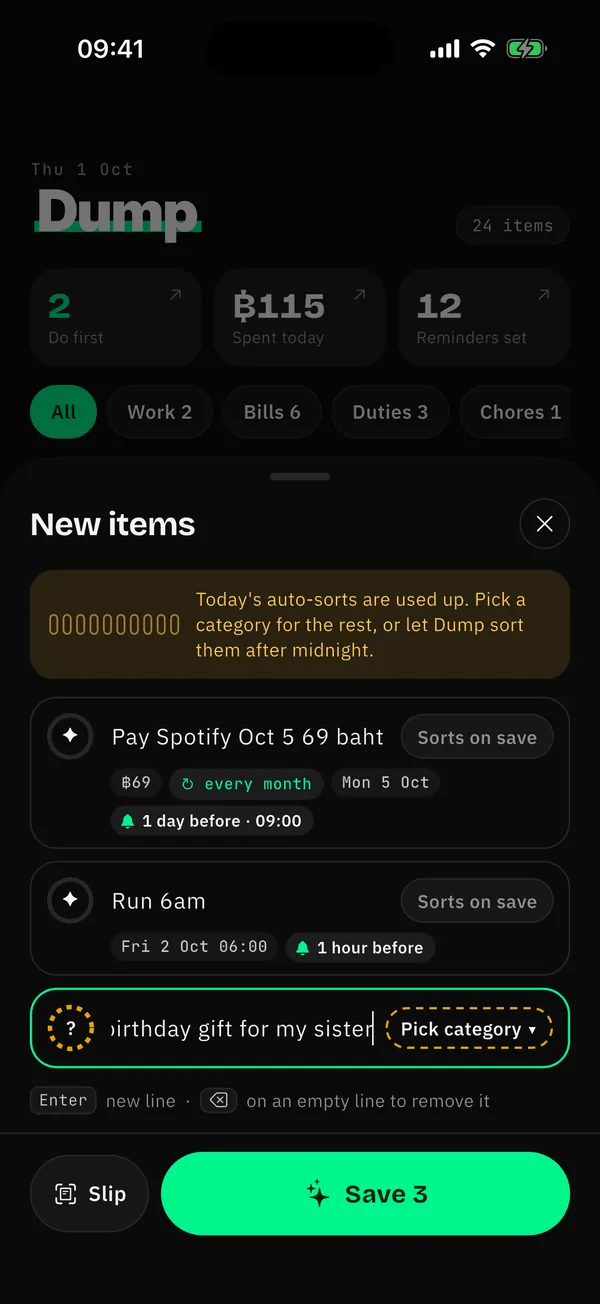
Type one line, the way you talk. Dump reads the date, time and amount, sorts tasks, bills and spending, and reminds you before they're due.
Not on Android yet
Gets the way you actually type
Write it the quick way. Dump reads dates, times, amounts and repeats, and in Thai it even fixes common typos and numbers written as words.
All in one place
Reminders
Bills, appointments and dated tasks remind you ahead. Choose how early if you like.
Priorities
Tasks land in four boxes: do now, plan, quick wins, and later, by urgency and importance.
Slips
Pick a transfer slip: Dump reads the amount, receiver and time on your iPhone. The image is never uploaded.
Money
Type "coffee 65" and it's logged. See daily and monthly totals, or ask "how much coffee this month?"
Widget
A widget shows what's due today. Tap the circle to tick it off, without opening the app (iOS 17 or later).
Monthly story
What you finished, what you spent, what you bought most. Share it in a tap.
The real app
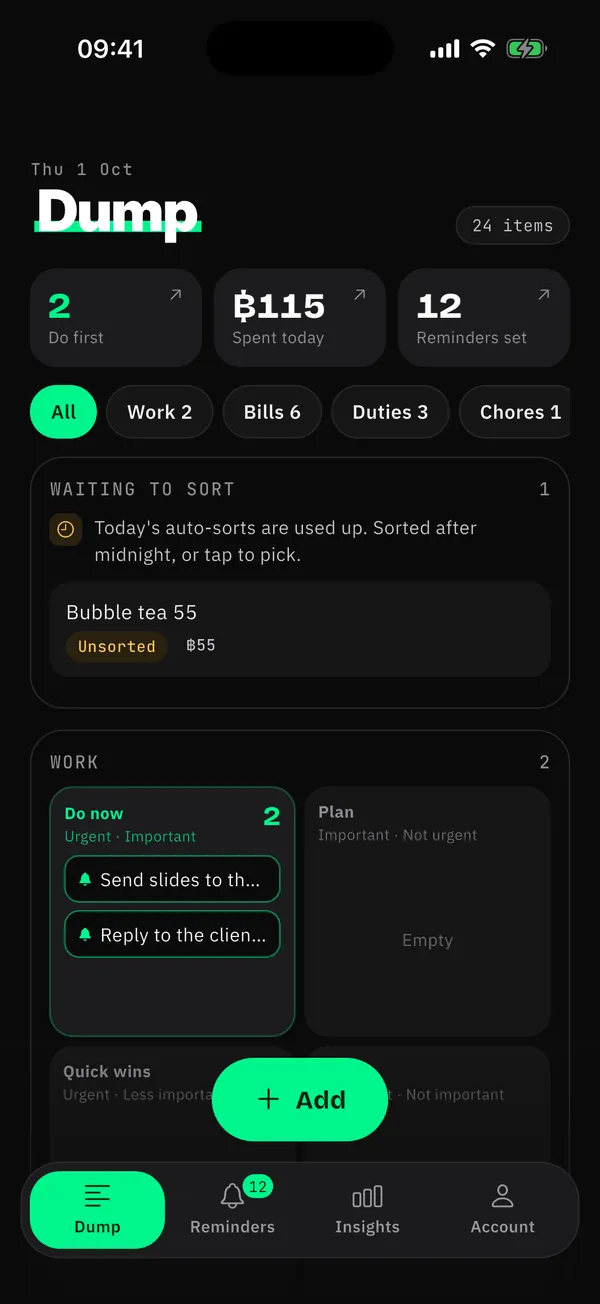
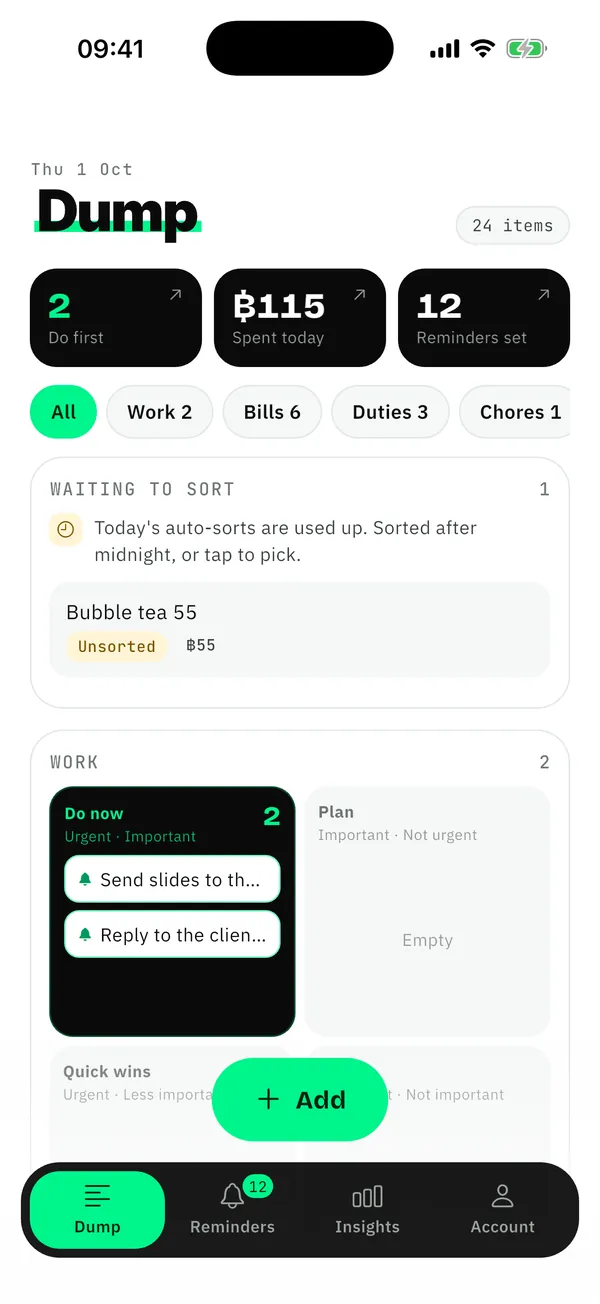
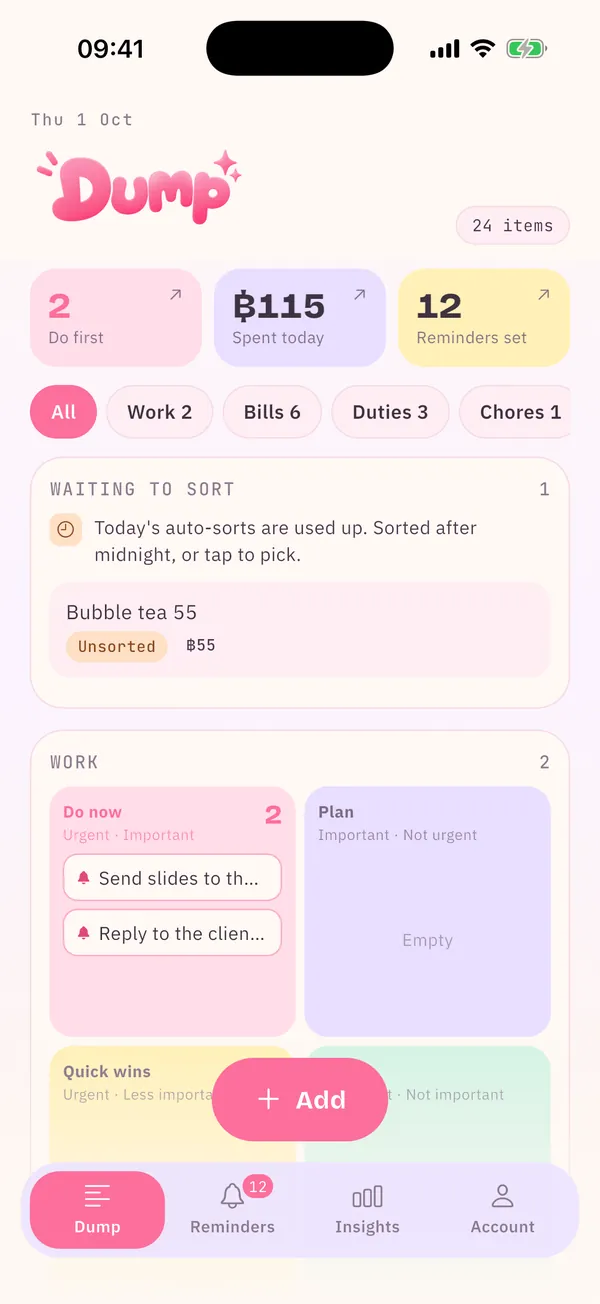
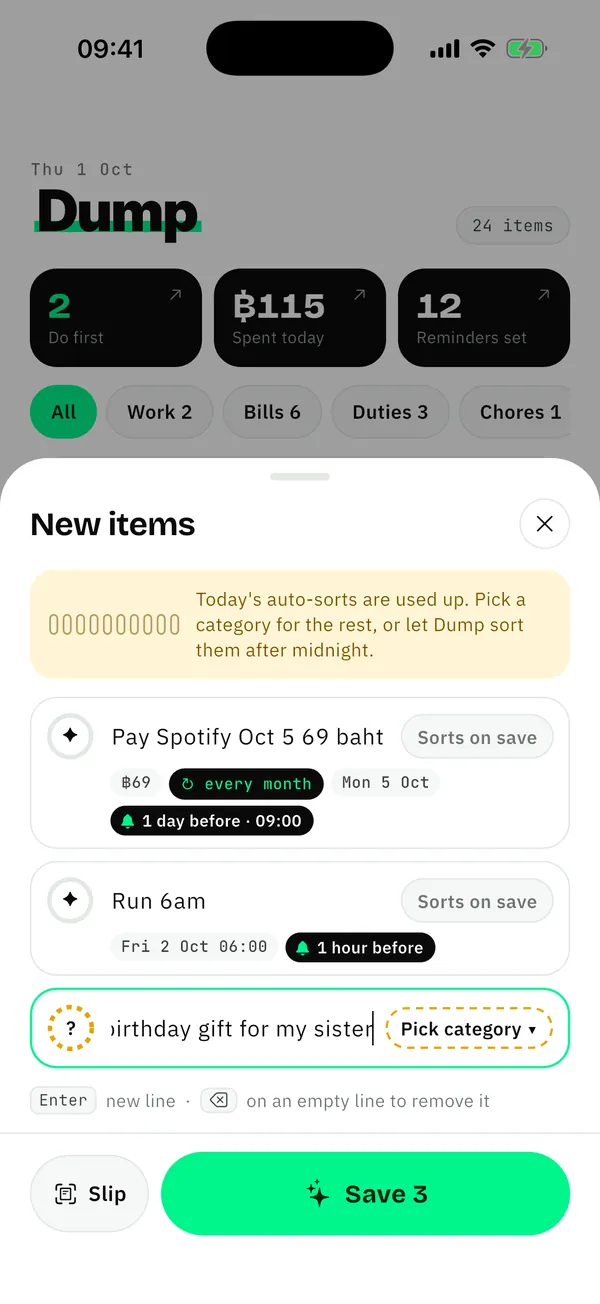
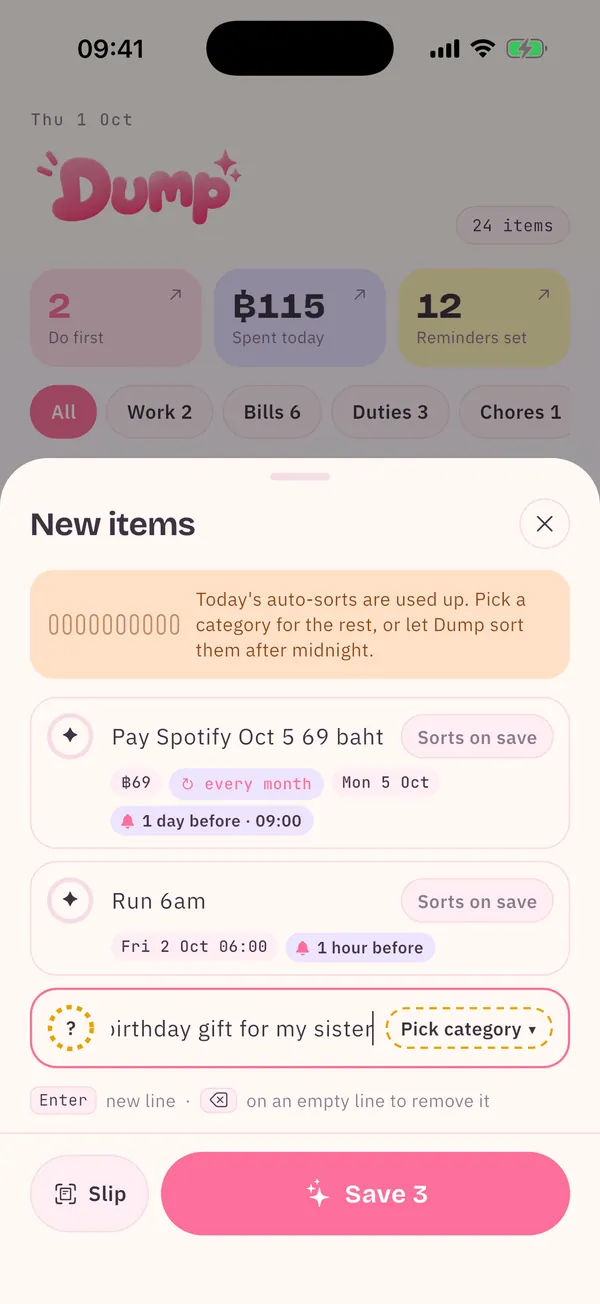
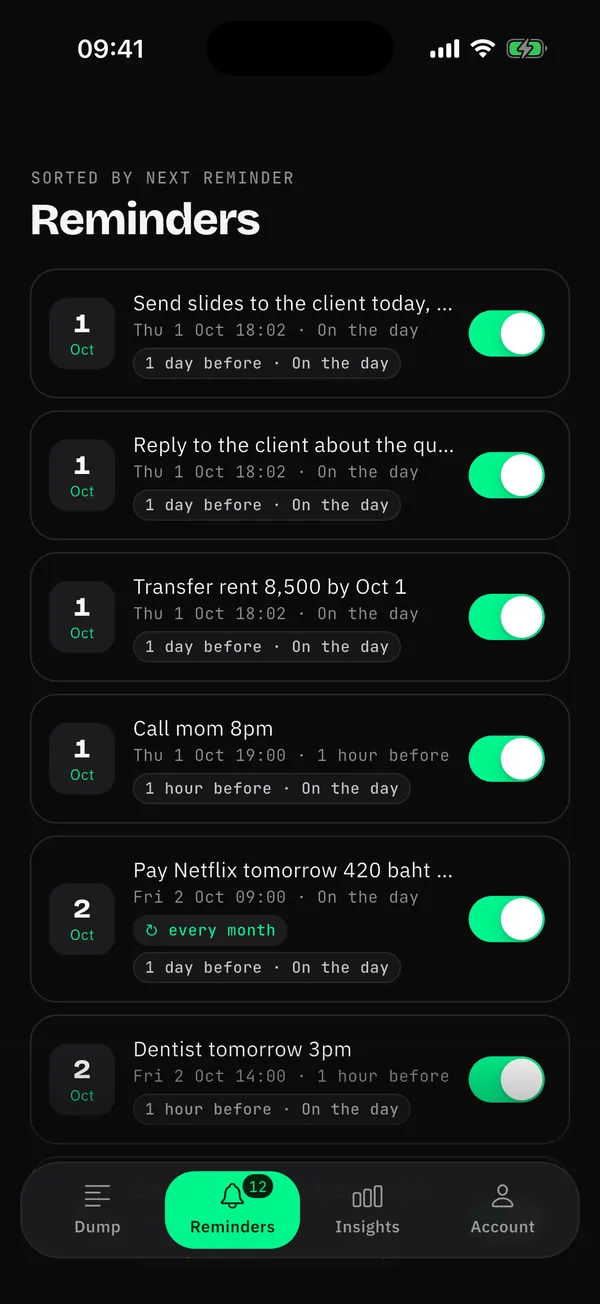
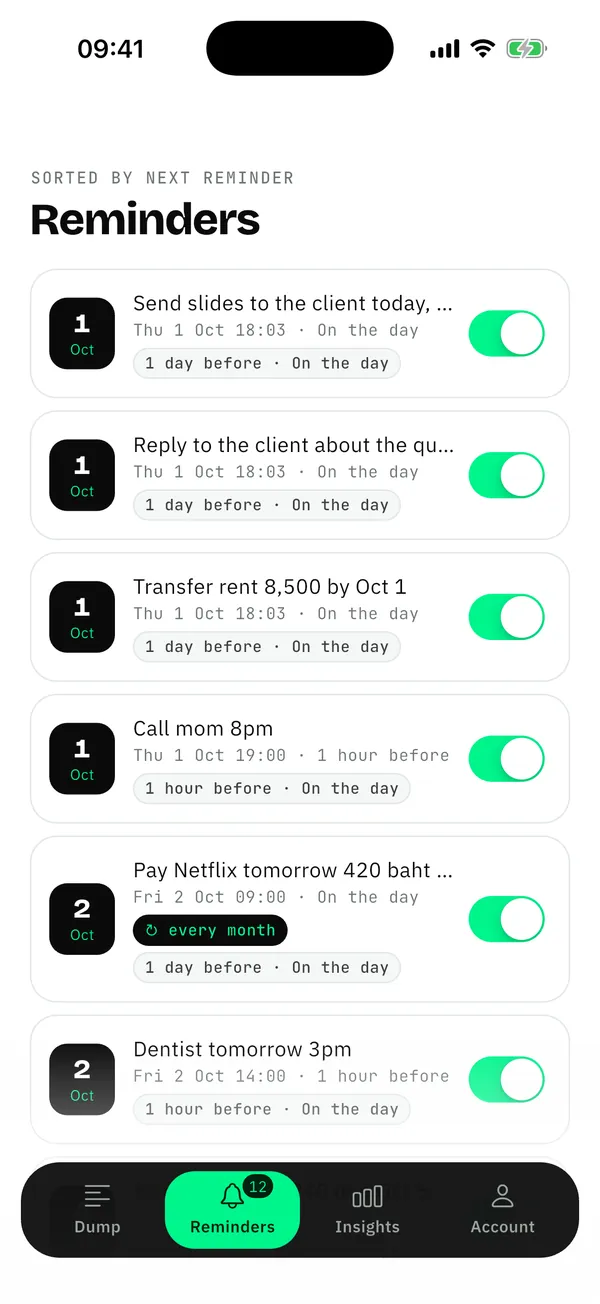
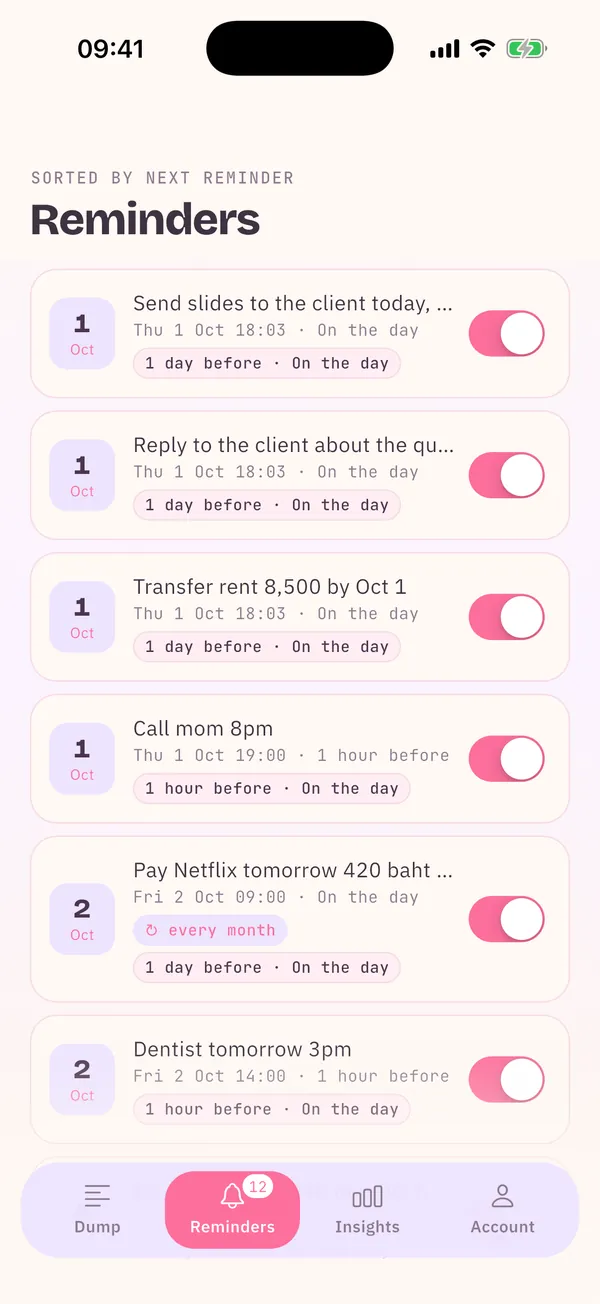
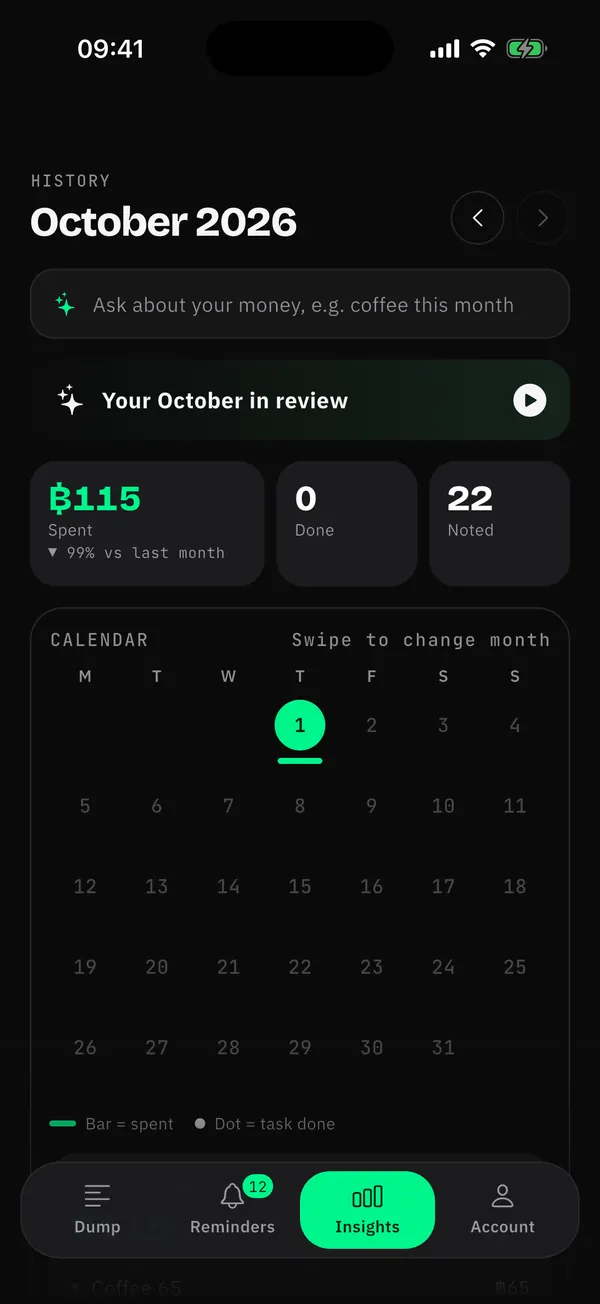
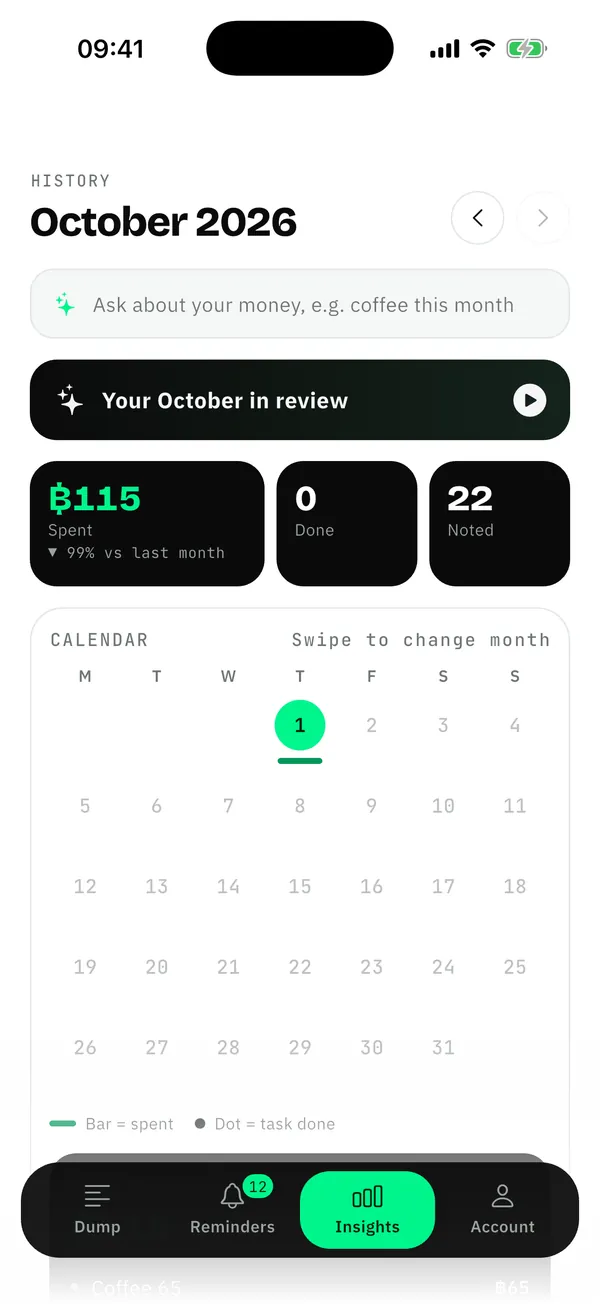
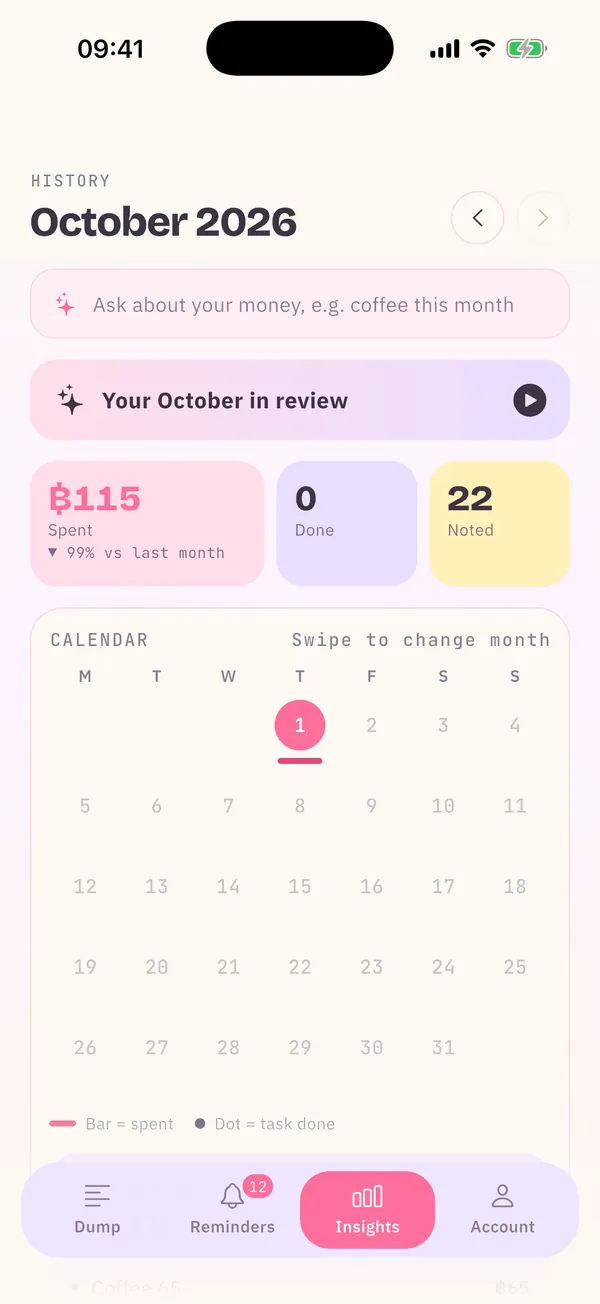



Tasks, bills, appointments and spending, sorted for you, with tasks in four boxes by urgency.
See the date, time, amount and reminder before you even save.
Ordered by when they remind you; monthly bills come round by themselves.
A spending calendar, this month against last, and money questions in one box.
What you finished, what you spent, what you bought most. Share it in a tap.
Pick your look
Pick a look; choose pastel and the app icon turns pastel too. Tap one: this site changes as well.
Monthly story
Every month ends with your story in the app. Make a just-for-fun card here and share it.
Your data is yours
Your iPhone reads the slip. Only the amount, time and receiver are kept.
Say no and Dump sorts on your phone instead; nothing goes to AI (money questions are then off).
Nothing watching what you do. Delete your account and data in the app.
No passwords, no linked accounts, no money moved. Only what you type and the slips you pick.
Pricing
฿0
฿49/month
or ฿490/year (2 months free)
3 days free; cancel before it ends and pay nothing. Billed through your Apple ID; cancel any time in Settings › Apple ID › Subscriptions.
FAQ
Dump is an iPhone notes app for life in Thailand. Type tasks, appointments, bills or spending the way you talk; it reads dates, times and amounts, sorts each note and reminds you before it is due.
Yes: unlimited notes, reminders and slip reading, with 10 auto-sorts a day (you can still add more). Pro is ฿49/month or ฿490/year with 3 days free.
Unless you cancel within 3 days, Apple starts the Pro subscription. Cancel in Settings › Apple ID › Subscriptions. Free stays free.
iPhone only for now (iOS 15 or later), on the App Store.
Yes. Type "coffee 65" or pick a transfer slip; Dump adds up each day and month and shows where the money goes.
Yes. Type "electricity 1240 due 5 Oct" or "internet 599 every month, due 10 Oct" and the reminder is set for you.
No. Dump never connects to bank accounts or moves money. It only reads what you type and the slips you pick.
Slip photos are read on your phone and never uploaded. No ads, no tracking; Dump asks before sending text to AI, and you can delete your account in the app.
Free to download. Nothing to set up.
For iPhone · iOS 15 or laterGet it free on the App StoreNot on Android yet
Use Dump as
No categories to pick, no forms. Type "lunch 50" or "salary 35000" and Dump reads the amount, tells spending from income, and adds it up.
Electricity, water, internet, credit cards, instalments, car tax: type the bill, the amount and the date, and Dump knows it is a bill and reminds you before it is due.
Type what is on your mind, one line at a time. Dump tells tasks, appointments, bills and spending apart, and puts tasks in four boxes by urgency and importance.
Write it down the moment you think of it, without deciding where it goes. Dump reads it and files it as a task, appointment, bill, spend, idea or health note.
Paid by bank transfer and only have the slip? Pick it in Dump: the amount, receiver, bank and time are read and turned into a spending entry, no typing.