Write it the quick way
Amounts like "5k" work, and in Thai Dump even reads numbers written as words and fixes common typos.
Add several lines at once, even offline.

No categories to pick, no forms. Type "lunch 50" or "salary 35000" and Dump reads the amount, tells spending from income, and adds it up.
Not on Android yet
Amounts like "5k" work, and in Thai Dump even reads numbers written as words and fixes common typos.
Add several lines at once, even offline.
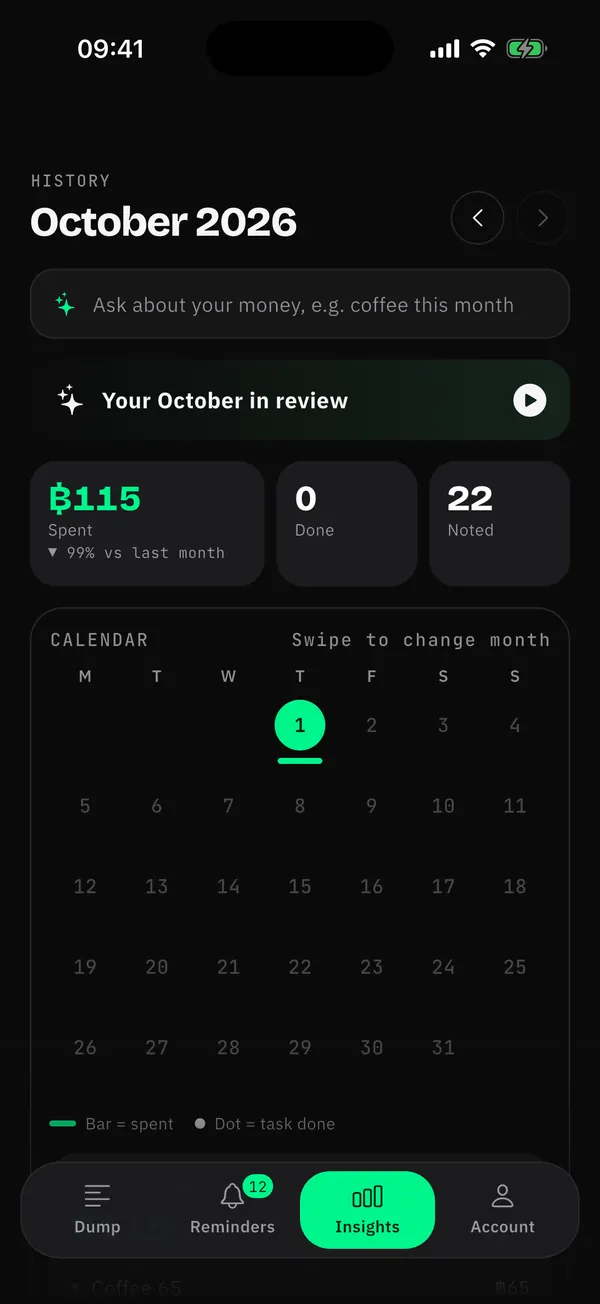
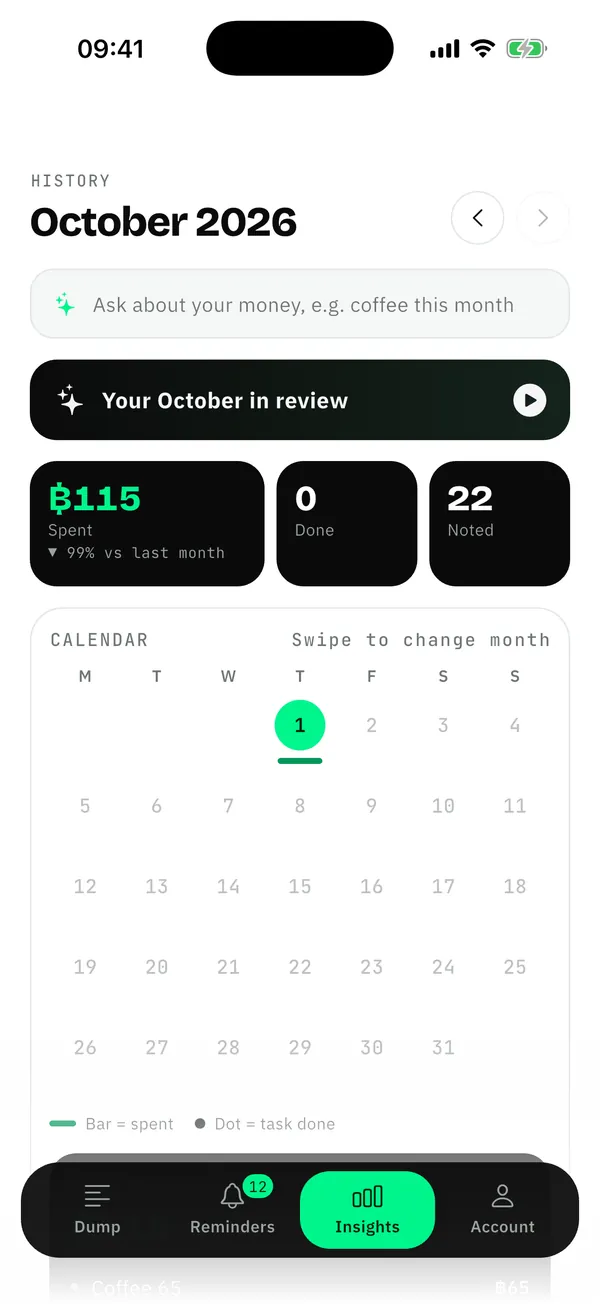
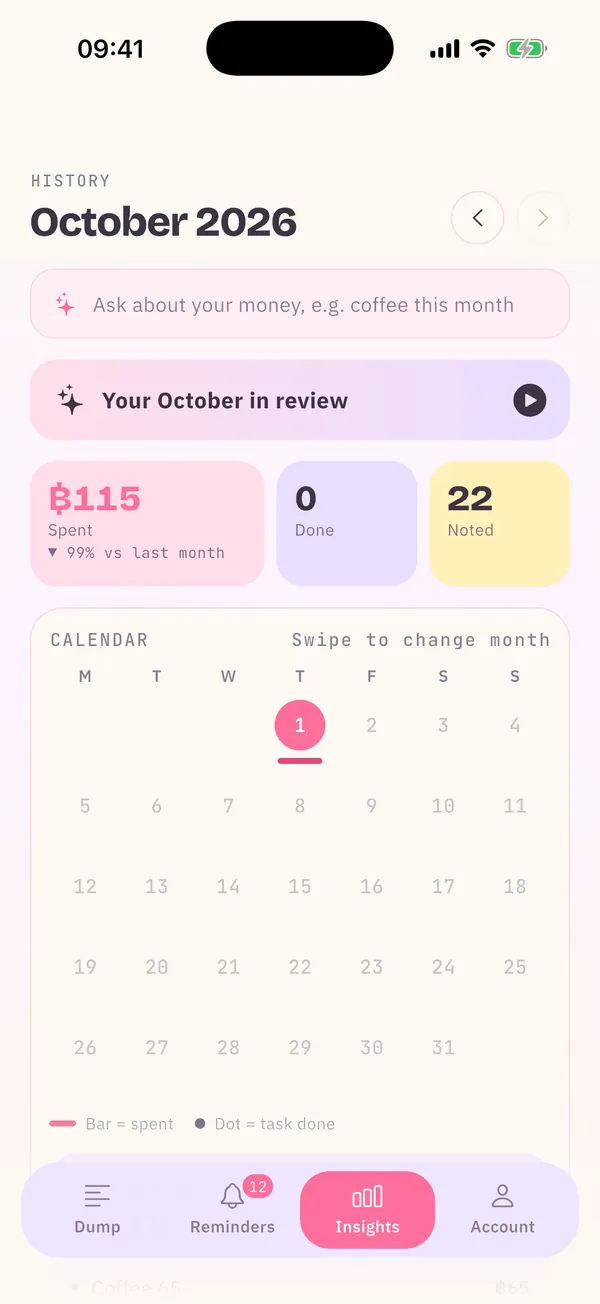
Insights shows a daily spending calendar, this month against last and the biggest spends; Pro adds fixed-cost details and impulse buys.
Ask "how much coffee this month?" and Dump answers from your own records.
Pick a transfer slip and Dump reads the amount, receiver and time on your phone. The image is never uploaded.
Paying a credit card bill is not counted twice: the swipes were already noted.
Yes. Notes, reminders and slip reading are free, with 10 auto-sorts a day. Pro (฿49/month or ฿490/year, 3 days free) gives more auto-sorts and every chart.
No. Dump never connects to bank accounts or moves money. It only reads what you type and the slips you pick.
No. Your notes are backed up with your account; sign in on the new phone to get everything back.
Free to download. Nothing to set up.
For iPhone · iOS 15 or laterGet it free on the App Store